


When an order is cancelled after pallet picking or outbound preparation, the warehouse must decide where the inventory belongs, whether it can return to storage, and how to prevent duplicate movements. A controlled return-to-stock process helps AGV forklift operations maintain accurate inventory and reliable storage records.
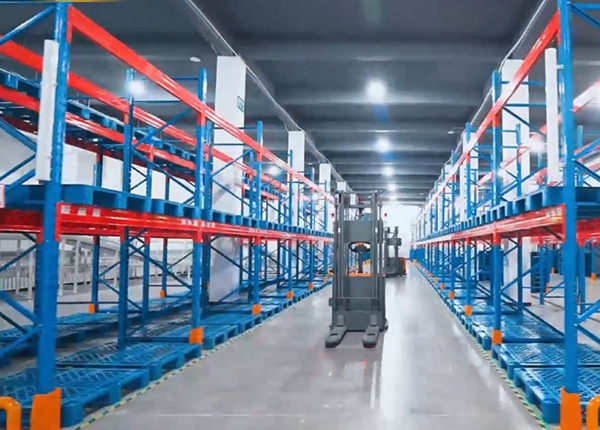
An order cancellation does not always mean that the picked pallet can immediately return to its original storage location. The pallet may have been moved to an outbound lane, partially processed, relabelled, inspected, or combined with other order items. In some warehouses, the original storage position may already have been assigned to another inventory batch.
For warehouses using AGV forklifts, the return process needs more than a new transport instruction. Inventory status, pallet identity, storage availability, and task ownership must be confirmed before the vehicle receives a movement command.
The first step is to identify where the pallet is when the cancellation occurs. A cancellation before picking requires a different response from one received after the pallet has reached an outbound handling area.
Before picking: Cancel or suspend the original picking task. The pallet remains in its storage position unless another operation has already been assigned.
After retrieval: Confirm the pallet's current location and prevent the original task from being dispatched again.
At an outbound staging area: Check whether the pallet has been inspected, wrapped, labelled, or assigned to a shipment.
After partial order processing: Determine whether the pallet contains the original inventory quantity or whether some goods have already been removed.
These distinctions help the warehouse avoid treating every cancelled order as an identical return task. The AGV system should receive a new instruction only after the existing task status has been reconciled.
Before returning a pallet to storage, the warehouse management system should verify that the physical load matches the inventory record. A pallet that has been opened, repacked, or partially picked may no longer represent the same stock quantity recorded before outbound processing.
At minimum, confirm the following information:
Pallet ID or barcode.
SKU and inventory batch or lot number.
Recorded quantity and actual quantity.
Quality inspection or hold status.
Current warehouse location.
Whether the pallet is linked to another active order.
If the physical pallet does not match the inventory record, it should not automatically return to ordinary storage. The warehouse may need a separate inspection or inventory adjustment process before the stock becomes available again.
Returning a pallet to its previous location may seem like the simplest option, but the original storage address is not necessarily still available. Another pallet may have occupied the position, or the warehouse may have changed its storage allocation since the original retrieval.
The WMS should check the destination against current storage records before releasing the return task. Relevant conditions include:
The storage position is vacant and available for the pallet.
The rack location supports the pallet's dimensions and load weight.
The destination is suitable for the SKU, batch, and inventory status.
No other active task has reserved the same storage position.
The location is accessible to the assigned AGV forklift.
If the original position is no longer available, the WMS should select another qualified location based on the warehouse's storage rules. The return instruction should contain the confirmed destination rather than asking the AGV forklift to make an independent inventory decision.
One common source of inventory errors is allowing the original outbound task and the new return task to remain active at the same time. This can result in two vehicles attempting to move the same pallet or the WMS receiving conflicting location updates.
A controlled cancellation process should establish a clear task sequence:
Receive the order cancellation from the order management or WMS system.
Check the original AGV task status.
Cancel, suspend, or close the original task according to its execution stage.
Confirm the pallet's actual physical location.
Verify inventory information and select an eligible destination.
Create a new return-to-stock task with a unique task reference.
Dispatch the task to the AGV fleet control system.
Update inventory location after the destination placement is confirmed.
This sequence creates a traceable relationship between the cancelled order, the original movement, and the subsequent return operation.
Not every cancelled pallet should be returned automatically. Certain conditions require human confirmation before the AGV forklift receives permission to move the load into a storage rack.
Examples include:
The pallet label is damaged or cannot be identified.
The recorded quantity differs from the physical quantity.
The packaging is damaged or the load is unstable.
The pallet has an unresolved quality hold.
The original order has already been partially shipped.
The system cannot confirm a suitable storage destination.
In these situations, the warehouse can direct the pallet to a designated inspection or exception-handling area. The inventory should remain unavailable for new orders until the relevant checks are completed.
The WMS and AGV control system need consistent task and location information throughout the return process. The WMS manages inventory ownership and destination rules, while the AGV control system coordinates vehicle assignment, navigation, and movement execution.
For a reliable workflow, define the information exchanged at each stage:
Task creation: Task ID, pallet ID, pickup location, destination, and task type.
Task acceptance: Whether the AGV system has accepted the instruction.
Execution progress: Vehicle assignment, pickup confirmation, and movement status.
Placement confirmation: Whether the pallet has reached the intended storage position.
Task completion: Final execution result and actual destination.
Inventory update: Confirmation that the WMS has updated the pallet's stock location and availability.
A task should not be considered fully completed merely because the vehicle has reached the destination area. The warehouse needs confirmation that the pallet has been placed correctly and that the inventory record reflects the actual result.
Return workflows should be included in the warehouse automation project scope and tested before the system enters normal operation. Waiting until the first large-scale order cancellation can expose gaps in task control and inventory coordination.
During project preparation, warehouse managers should agree on several operating rules:
Which cancellation stages allow automatic return tasks.
Who authorizes returns involving damaged or partially processed pallets.
How the WMS selects an alternative storage position.
How duplicate or conflicting movement tasks are prevented.
Which system owns the final inventory location update.
How failed returns are reported and resolved.
Testing should include cancellations before picking, during retrieval, after arrival at outbound staging, and after partial order processing. Each scenario should verify both the physical movement and the corresponding inventory record.
Original outbound task status can be checked and controlled.
Pallet identity and actual inventory quantity can be verified.
Storage destination availability is checked before dispatch.
Return tasks have unique references and cannot duplicate active movements.
Inspection requirements are defined for abnormal pallets.
AGV placement confirmation is linked to WMS inventory updates.
Failed or interrupted return tasks have a clear recovery process.
Key checkpoint
A successful return-to-stock operation requires three confirmations: the original outbound task is no longer active, the pallet is assigned to a valid destination, and the WMS records the pallet's actual final location. AGV movement completion alone is not sufficient to restore inventory availability.
When evaluating an AGV forklift solution, warehouse buyers should examine how the system handles reverse movements as well as normal inbound and outbound operations. A warehouse that only tests standard putaway and retrieval may overlook important requirements created by cancelled orders, stock corrections, and changing shipment plans.
Ask the supplier to demonstrate a complete return scenario using your warehouse's actual operating logic. The demonstration should show how a cancelled order is identified, how the original task is controlled, how a return destination is confirmed, and how the WMS receives the final movement result.
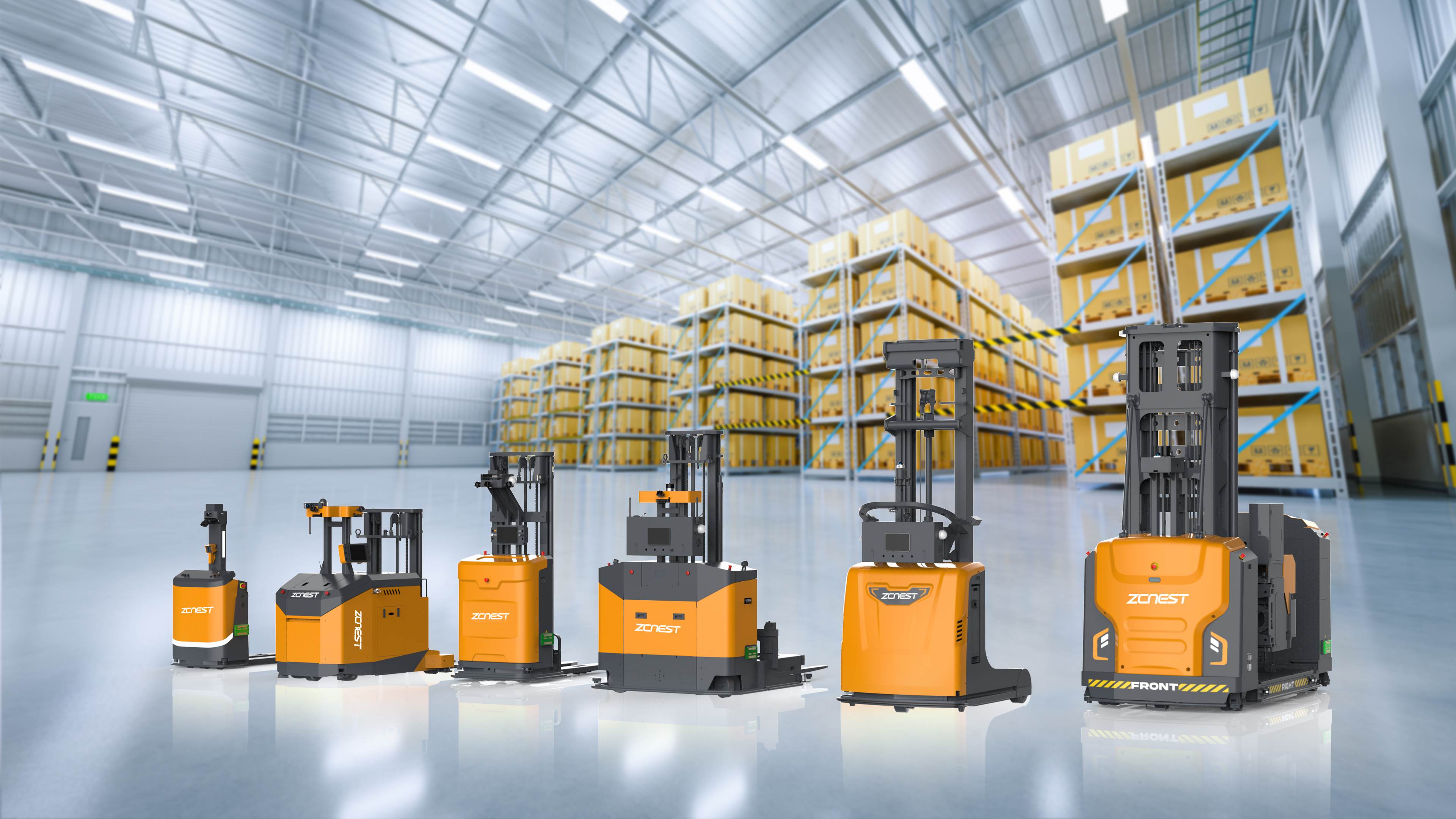
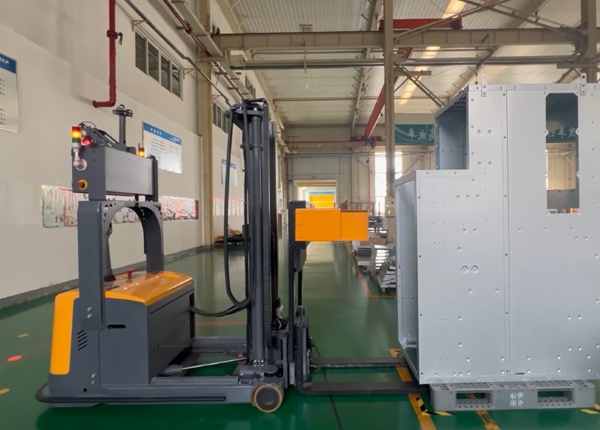
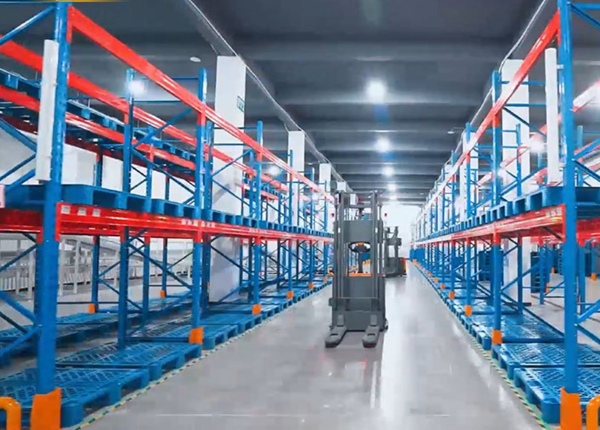
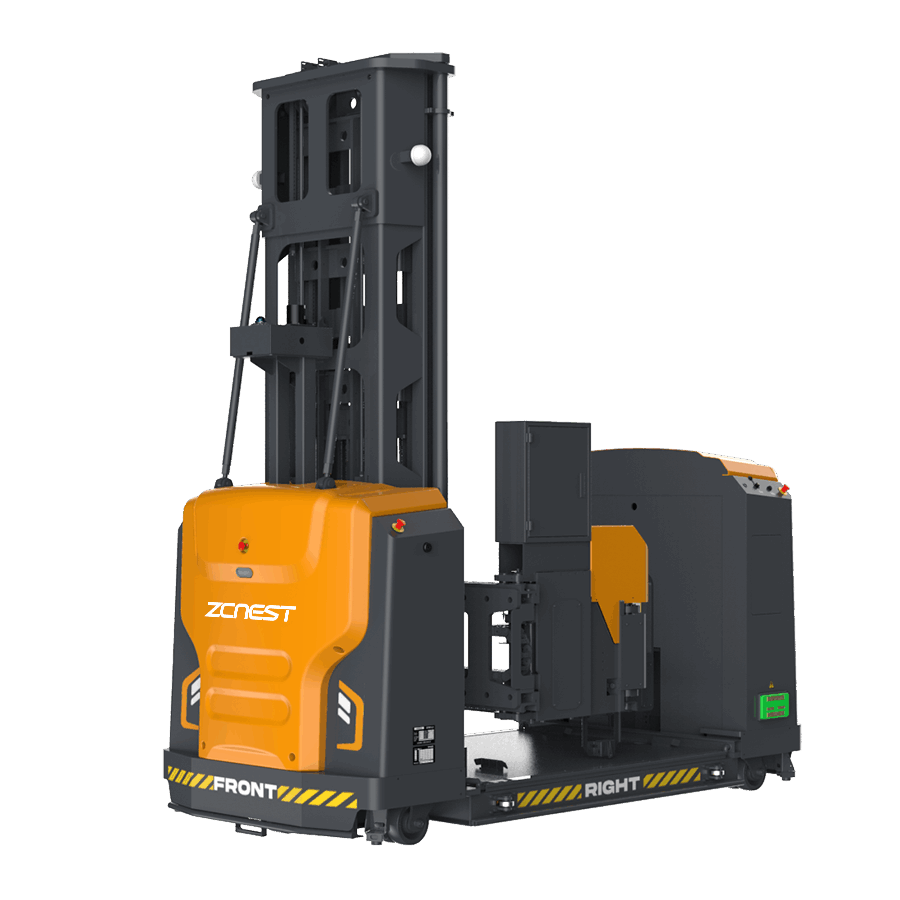
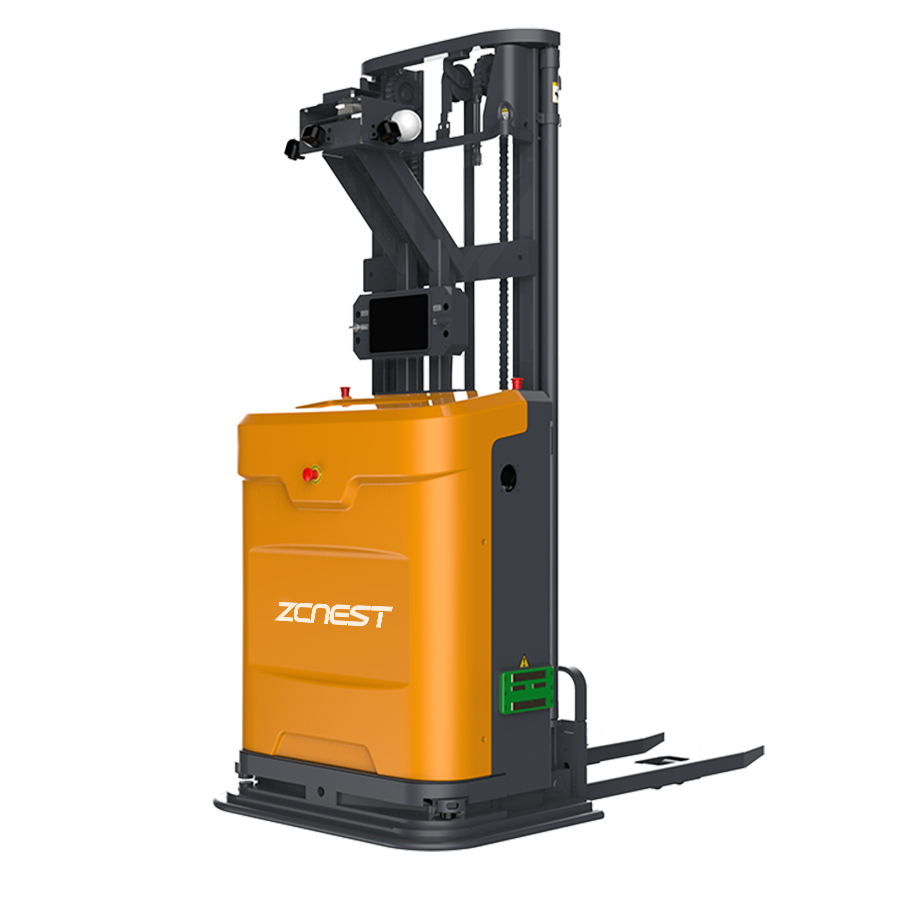
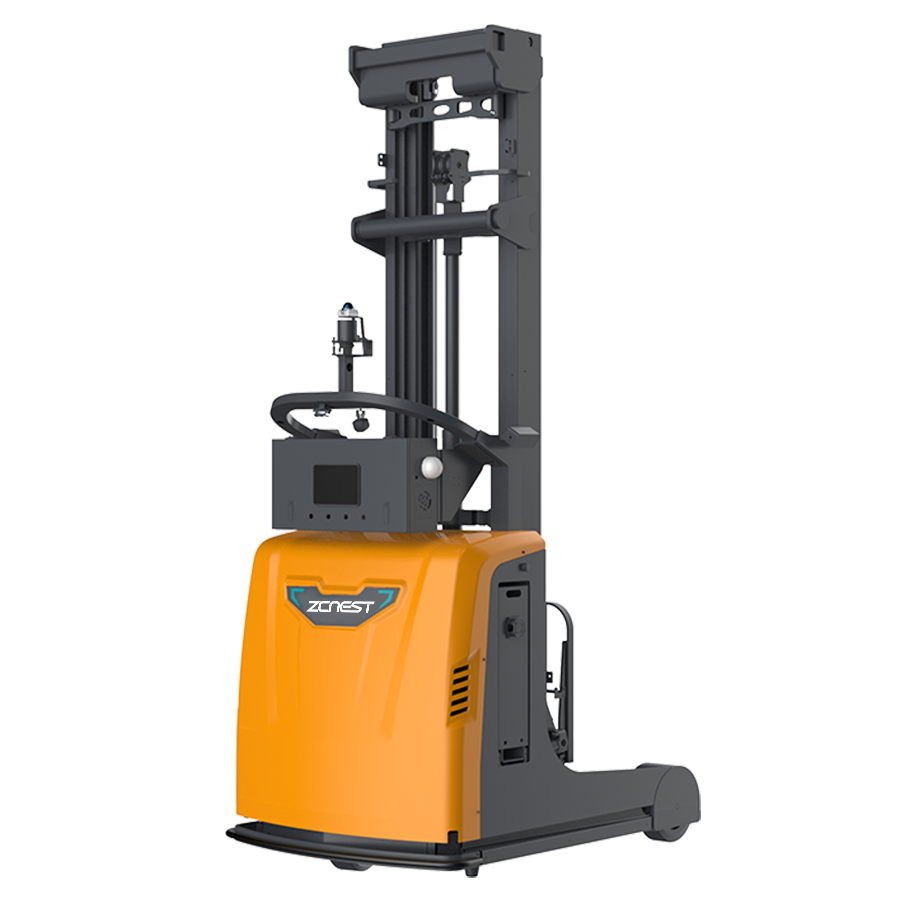
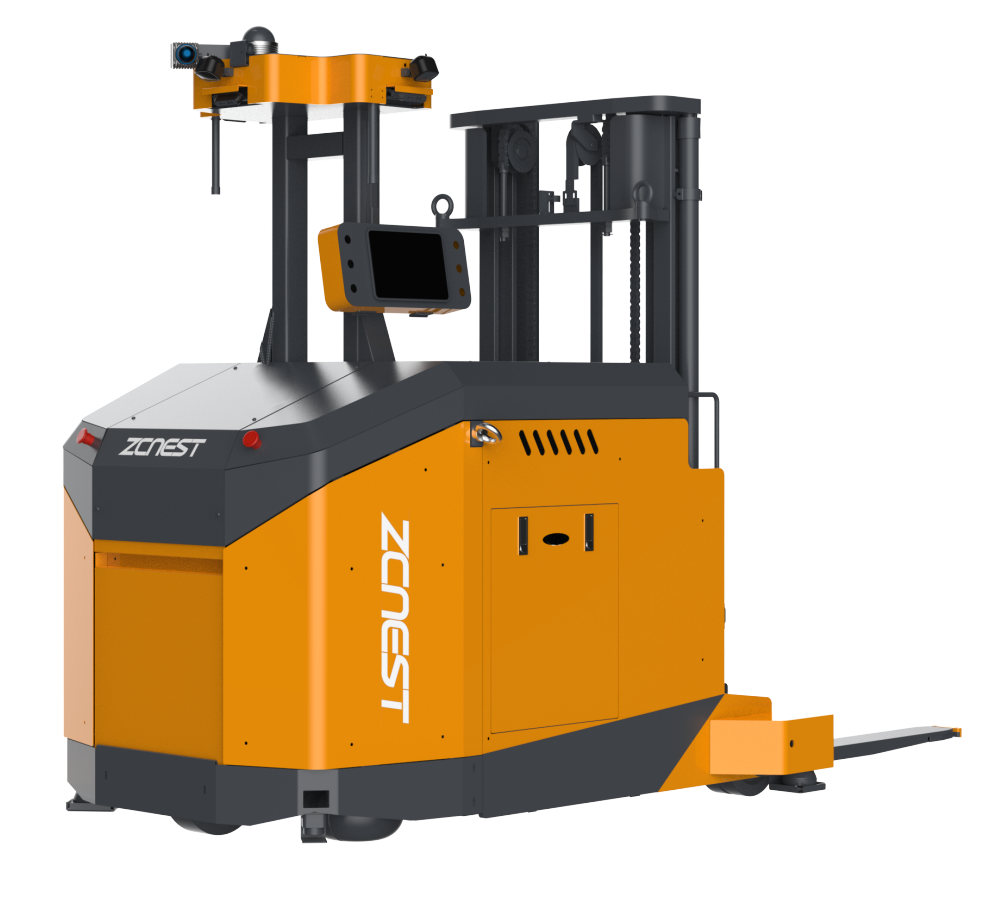
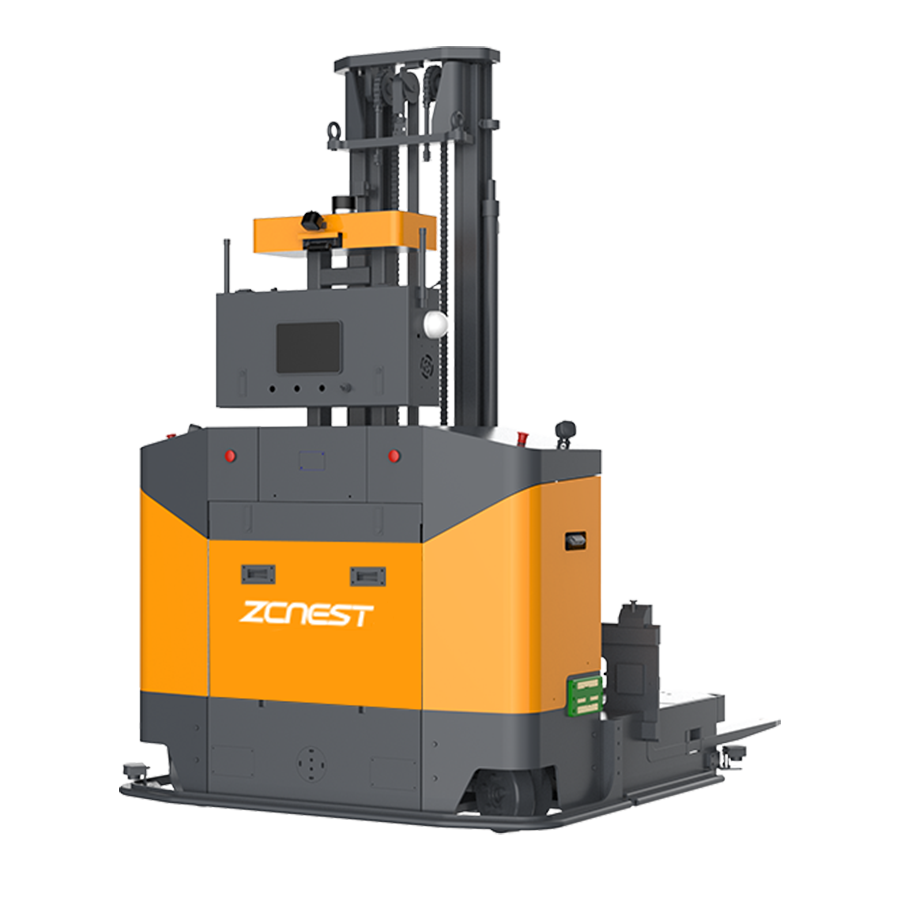
For high-bay warehouses and narrow-aisle storage areas, also confirm that the selected AGV forklift supports the required lifting height, aisle dimensions, pallet specifications, and storage-position access conditions. The vehicle configuration and warehouse software must work together to support the complete inventory movement process.
A well-designed return-to-stock workflow helps prevent misplaced inventory, conflicting transport tasks, and unnecessary manual handling. It also gives warehouse operators a clear method for dealing with order changes without compromising the accuracy of automated storage operations.





 Chinese
 English