


Empty pallets are essential handling resources, not disposable warehouse leftovers. When pallet demand is distributed across receiving, storage, picking, and dispatch areas, AGV forklifts can automate collection and redistribution while helping operators maintain visibility over pallet quantities and locations.
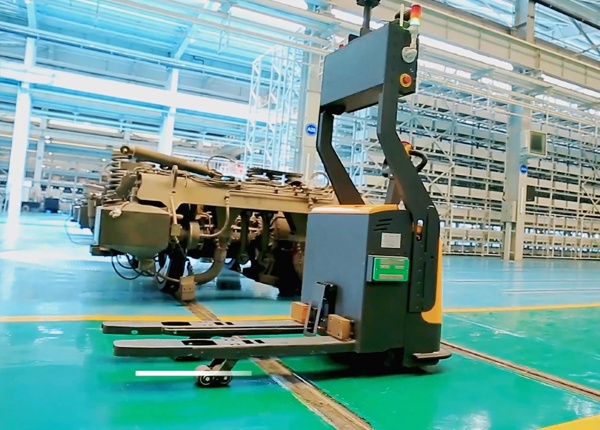
Many warehouse automation projects focus on loaded pallet movements but overlook the empty pallets required to support daily operations. Empty pallets accumulate after goods are unloaded, are needed again for picking or replenishment, and may circulate between different warehouse zones.
If empty pallet quantities are not controlled, operators may experience shortages at picking stations while unused pallets occupy valuable floor space elsewhere. Manual collection also creates additional forklift traffic and makes it difficult to know where suitable pallets are available.
Before automating empty pallet movements, identify which pallet types can be managed as part of the same pool. Pallets that look similar may have different dimensions, load ratings, materials, or handling conditions.
Standard wooden pallets.
Plastic pallets.
Reusable metal pallets.
Customer-owned or supplier-owned pallets.
Special pallets designed for particular products or handling equipment.
Assigning a clear pallet type or category helps the WMS avoid sending an unsuitable pallet to a process that requires a specific format. Where pallets are individually tracked, use a unique identifier. Where individual tracking is unnecessary, maintain quantities by pallet type and location.
Empty pallets are created at different points in the warehouse. Typical sources include inbound unloading, production material receipt, order picking, repacking, and outbound consolidation.
Record the expected empty pallet output from each area. The purpose is to understand where collection tasks originate and how frequently each location produces empty pallets.
Also identify locations where empty pallets are required. These may include palletizing positions, picking stations, replenishment points, and receiving areas. Comparing supply and demand helps establish the most practical collection and redistribution routes.
A pallet pool should provide a consistent view of how many usable empty pallets are available and where they are located.
The WMS can maintain records such as:
Pallet category and specification.
Quantity by warehouse zone or storage position.
Available, reserved, damaged, or under-inspection status.
Ownership or return obligations where relevant.
Expected demand from downstream operations.
Separate usable pallets from damaged or restricted pallets. An AGV forklift should not automatically distribute a pallet from a location that contains mixed or unverified pallet conditions.
Different warehouse areas consume empty pallets at different rates. A picking station may need frequent replenishment, while an outbound area may require a larger quantity during specific loading periods.
Set minimum and target quantities for each demand point. When the available quantity falls below the minimum, the WMS can generate an empty pallet delivery task.
Thresholds should reflect actual consumption, delivery lead time, and the physical capacity of the receiving area. Setting every location to the same minimum quantity can lead to excess pallets in low-demand areas and shortages in high-demand areas.
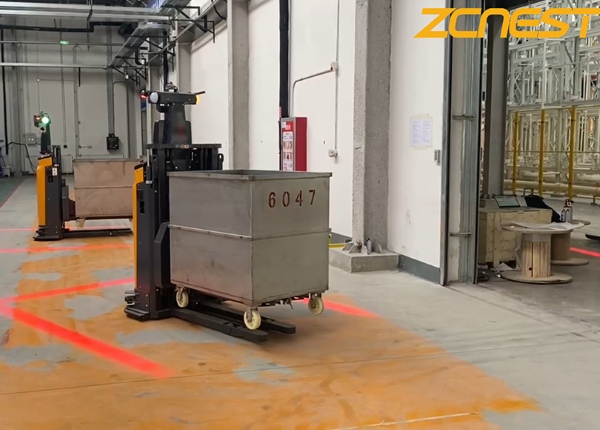
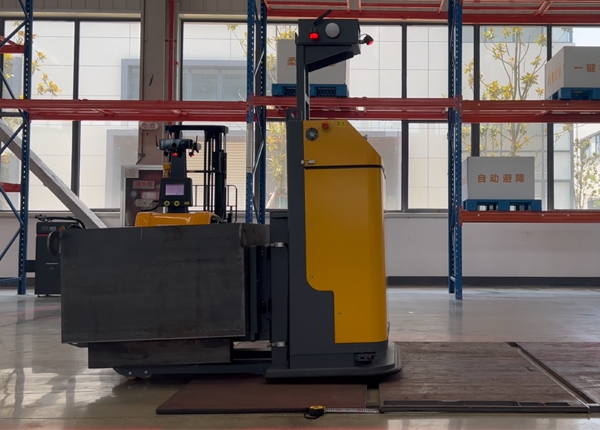
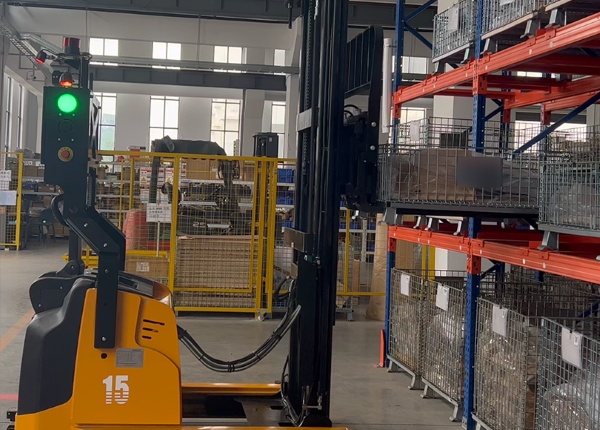
AGV forklifts can collect empty pallets from designated source positions and deliver them to authorized destinations. The task should include the pallet type, quantity, pickup location, delivery location, and any stacking or handling restrictions.
A typical workflow is:
An operating area reports that empty pallets are available.
The WMS updates the quantity at the source location.
A demand area requests additional pallets.
The WMS checks available quantities and pallet compatibility.
A transport task is issued to the AGV fleet.
The AGV collects and delivers the specified pallets.
Both source and destination records are updated after confirmation.
For pallet stacks, verify that the AGV forklift and attachment are suitable for the stack height, weight, and pallet condition. The system should not assume that all empty pallets can be handled in the same way as loaded pallets.
A common problem occurs when empty pallets are repeatedly delivered to convenient locations without considering the overall warehouse balance. Some areas become overloaded while other areas experience shortages.
Use location-based inventory visibility to identify these imbalances. The WMS should consider available quantities across the warehouse before requesting new pallet deliveries or releasing collection tasks.
Where multiple pallet types exist, keep their quantities separate. A shortage of one pallet category should not be hidden by a large total count that includes incompatible pallets.
Some warehouses operate with pallets owned by suppliers, customers, or logistics partners. These pallets may have to be returned rather than retained in the general pallet pool.
Use ownership or account information to distinguish reusable internal pallets from externally owned assets. Define where each category can be stored, which movements are authorized, and how quantities are reconciled when pallets leave the facility.
This is particularly important for warehouses handling multiple customers or operating shared logistics facilities. Without ownership rules, pallets may be redistributed internally even though they are subject to an external return obligation.
Review the performance of the pallet pool using practical operating indicators:
Empty pallet quantity by type and location.
Number of pallet shortages at operating areas.
Average time from collection request to delivery.
Number of unnecessary or repeated pallet movements.
Quantity of damaged or unusable pallets.
Difference between system records and physical counts.
Classify pallet types and handling requirements.
Identify pallet collection sources and demand locations.
Set minimum and target quantities by area.
Separate usable, damaged, and restricted pallets.
Define ownership and external return rules.
Confirm AGV capacity for empty pallet stacks.
Reconcile system quantities with physical counts.
Key checkpoint: Empty pallet automation should be managed as a warehouse resource-control process. Counting pallets without tracking their type, condition, location, and ownership will not prevent shortages or unnecessary movements.
When planning AGV forklift operations, include empty pallet movements in the project workload rather than treating them as occasional secondary tasks. These movements consume fleet capacity and may compete with loaded pallet transportation.
Confirm pallet dimensions, stack height, handling method, source and destination locations, and the expected movement frequency. Test the complete workflow with actual pallets before deployment.
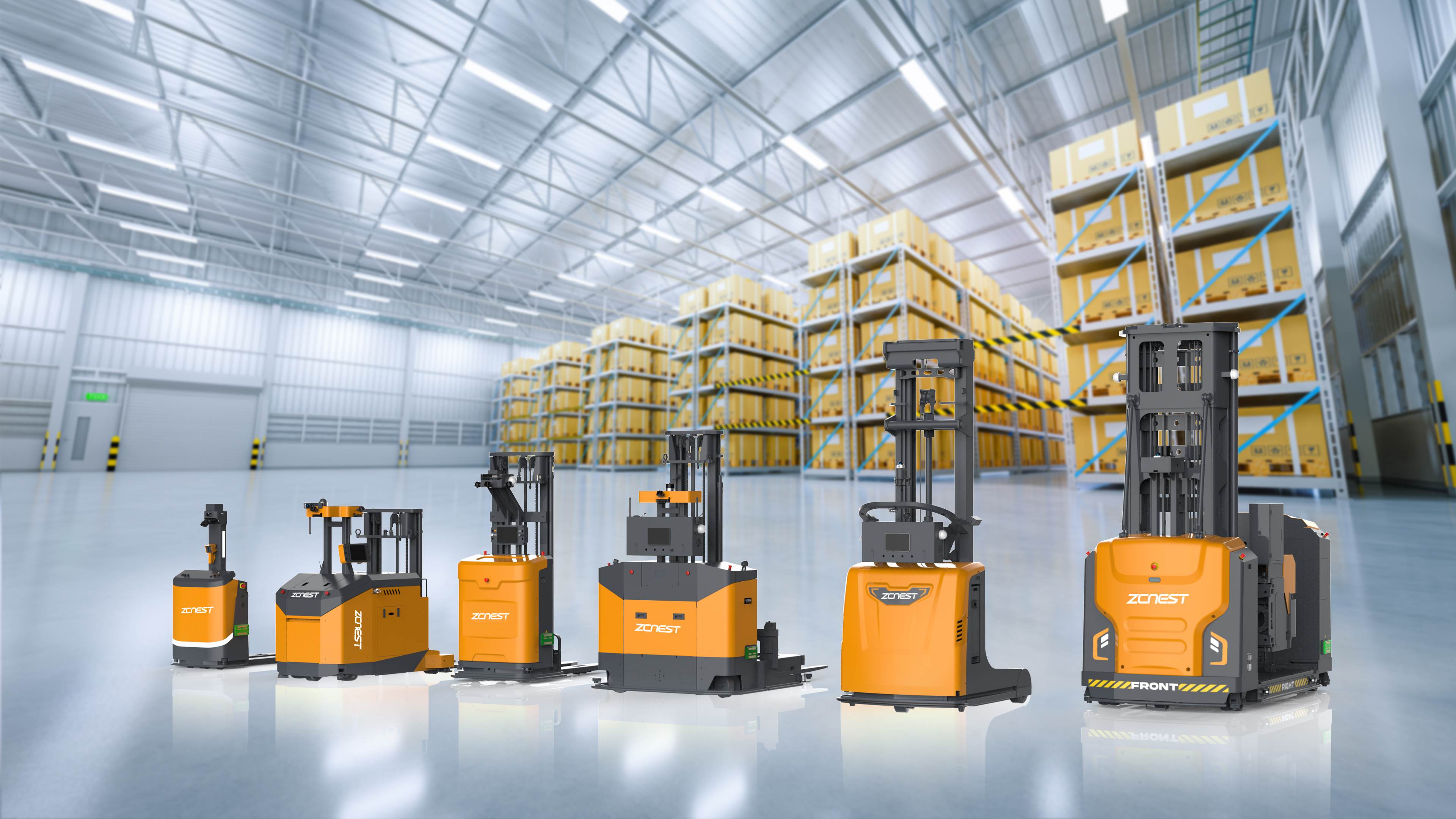
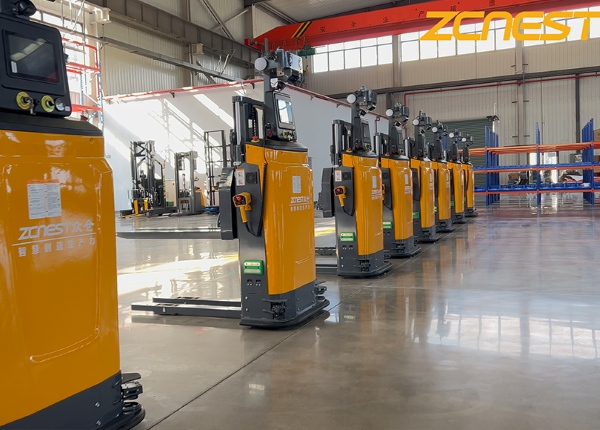
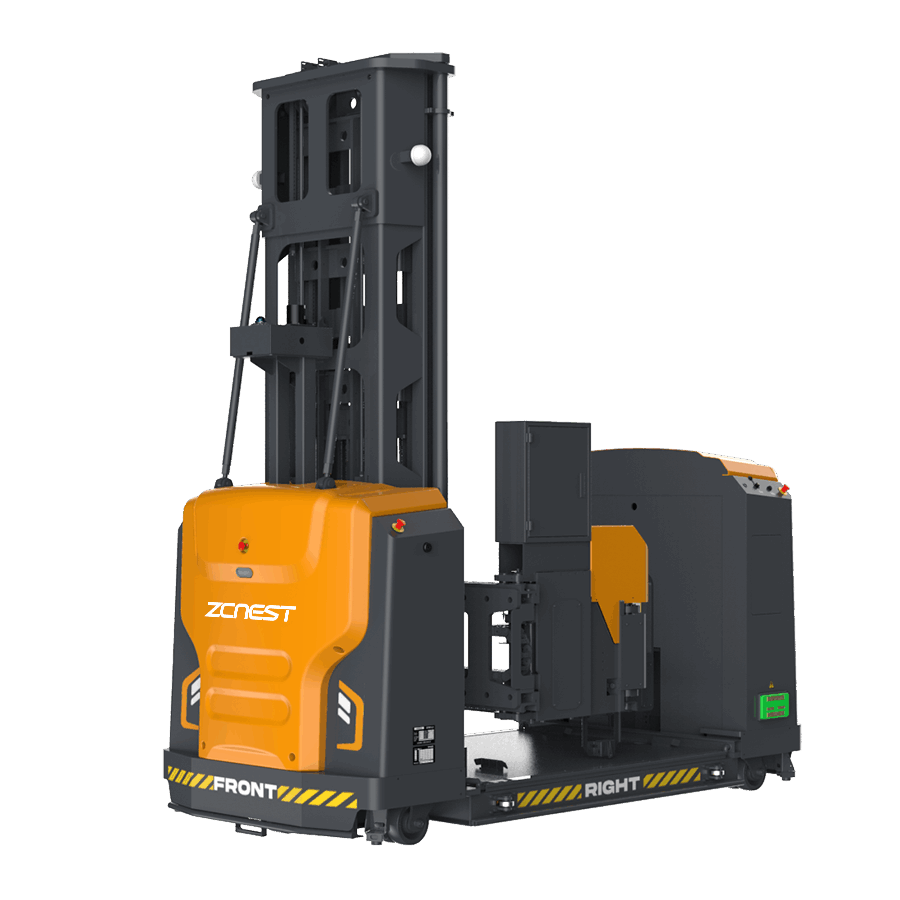
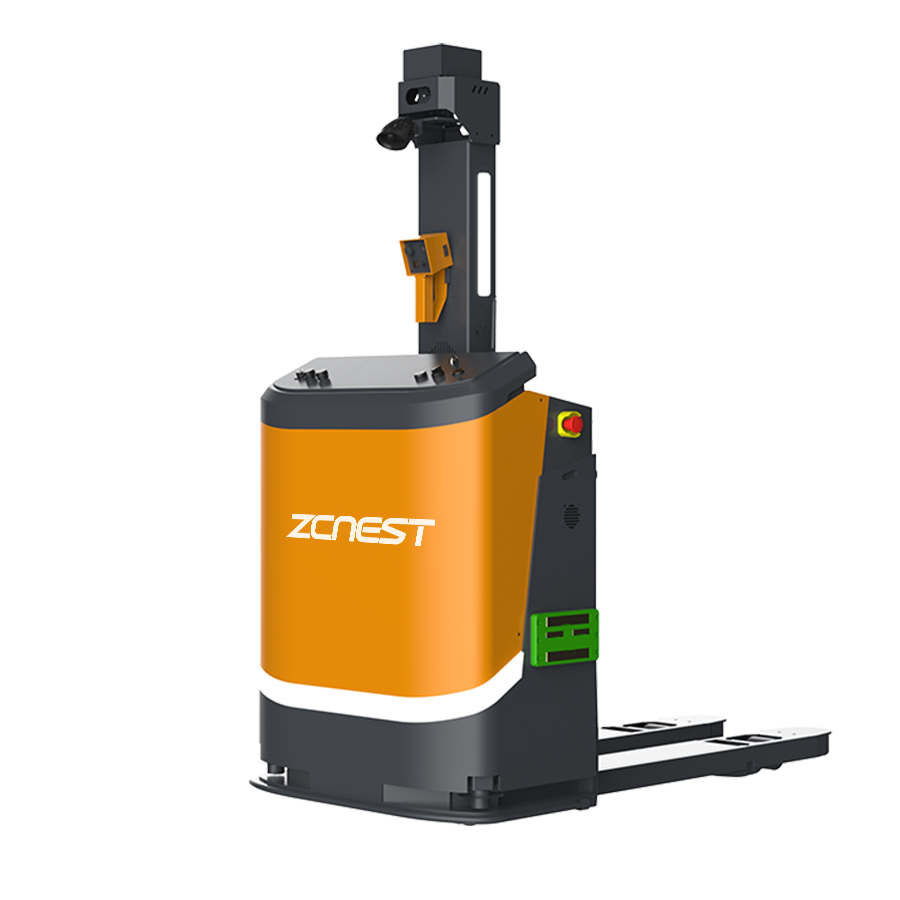
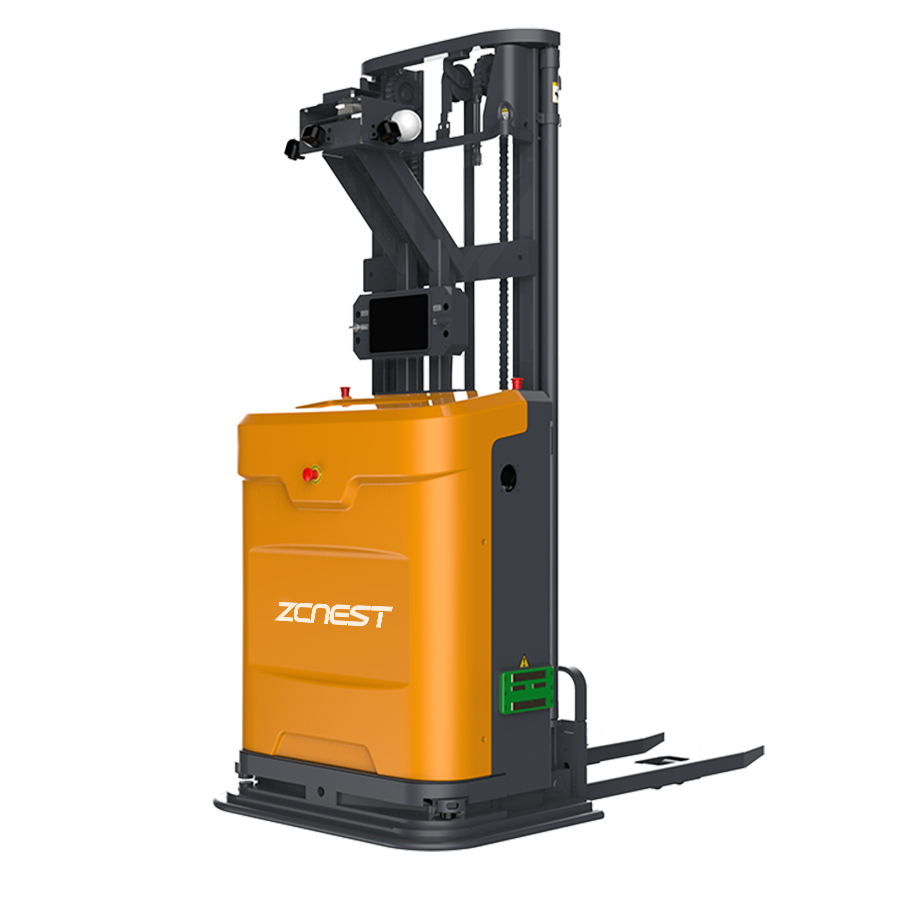
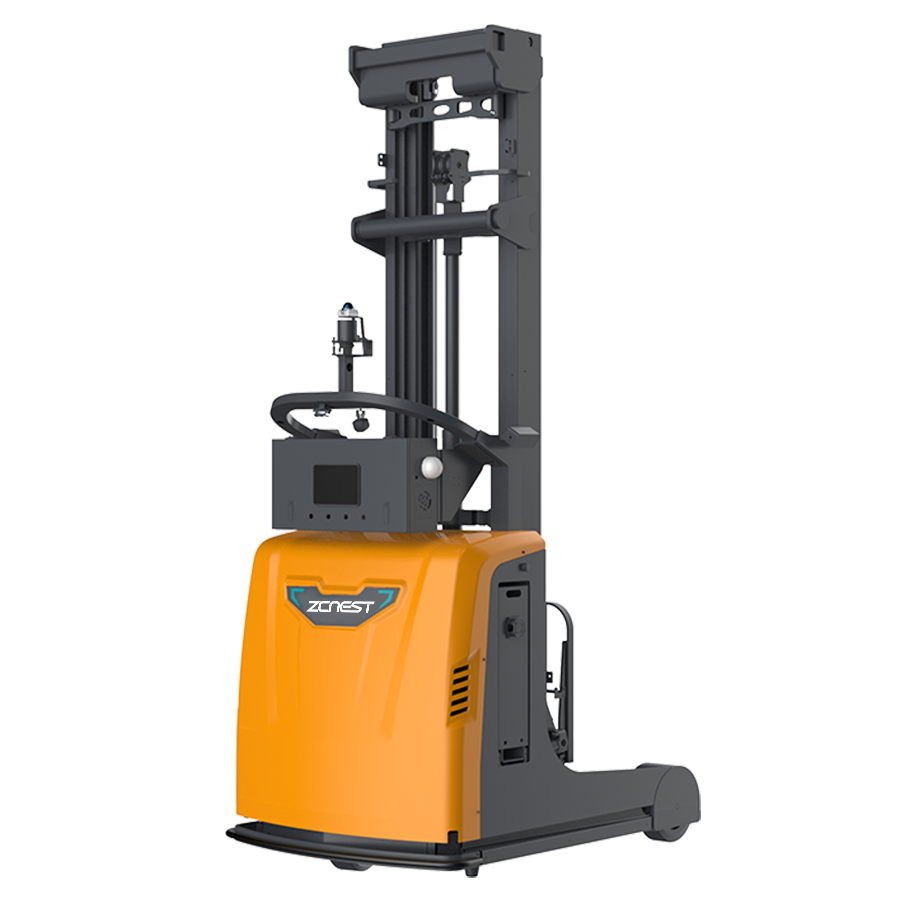
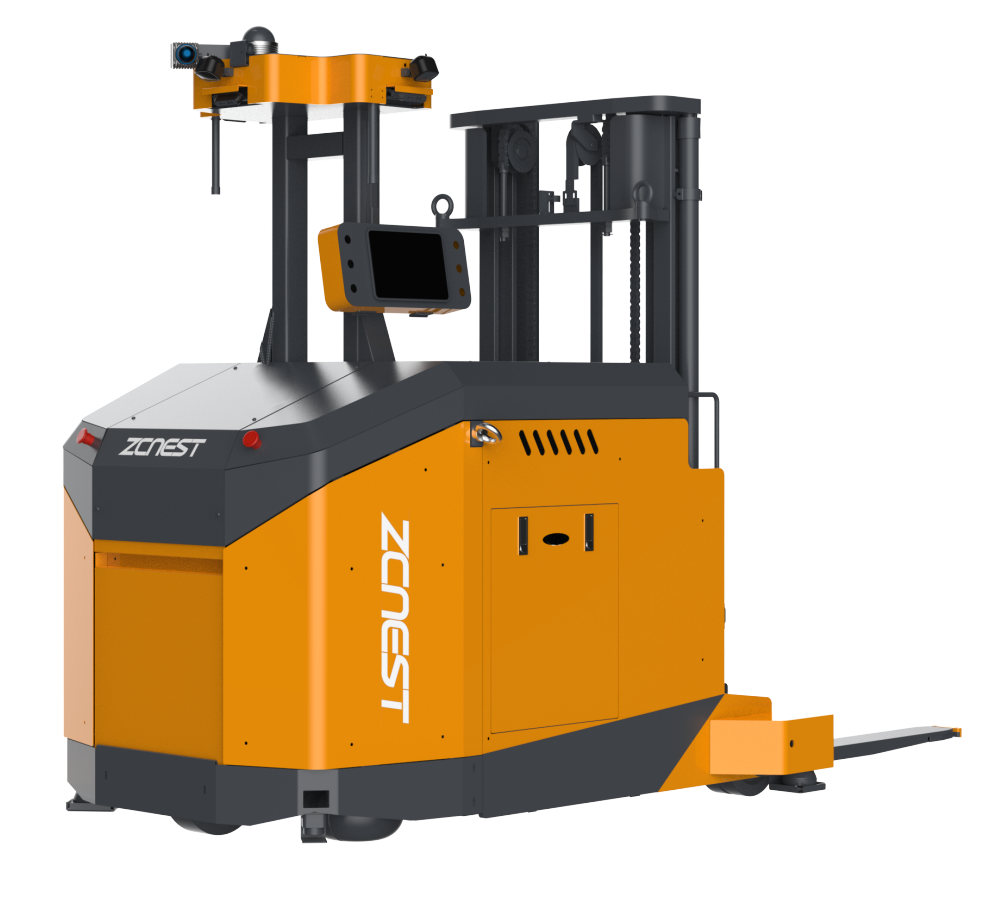
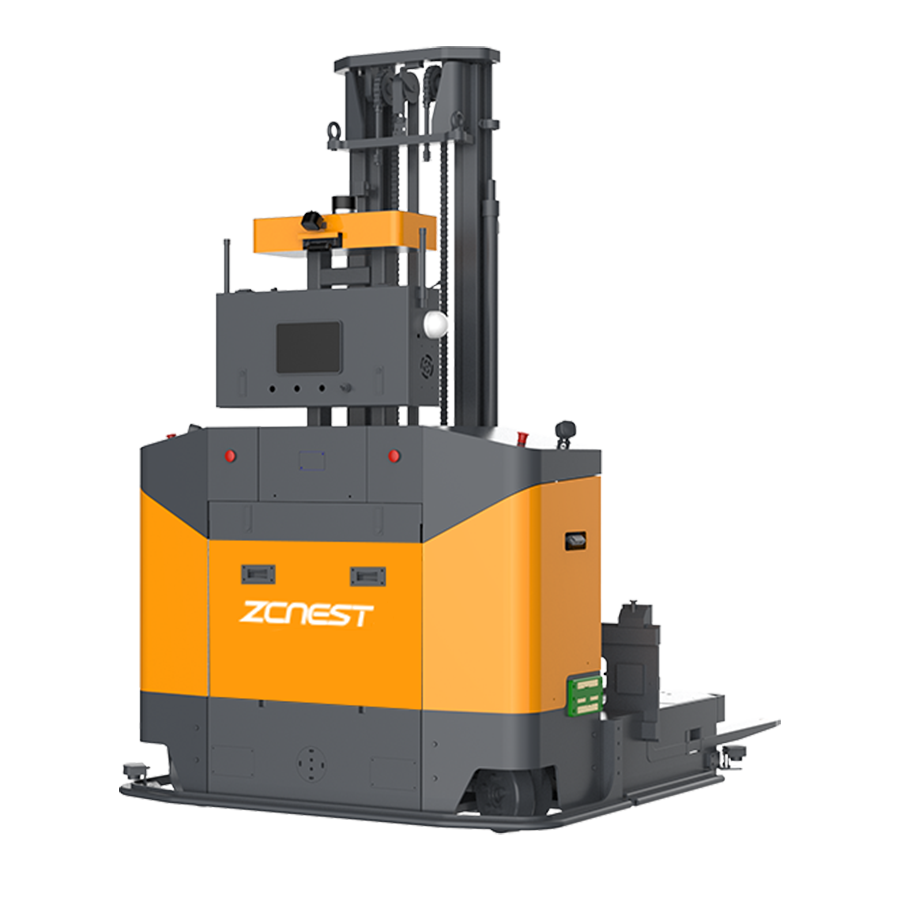
ZCNest Robotics provides AGV forklift solutions for pallet handling and warehouse transportation. Share your pallet specifications, warehouse layout, and daily movement requirements to discuss a suitable automation configuration.





 Chinese
 English