


An automated warehouse needs more than a fleet dashboard showing vehicle positions. Operators also need timely information about conditions that may affect transport capacity, safety, or delivery commitments. Well-designed AGV alerts help teams identify developing problems and respond before they disrupt warehouse operations.
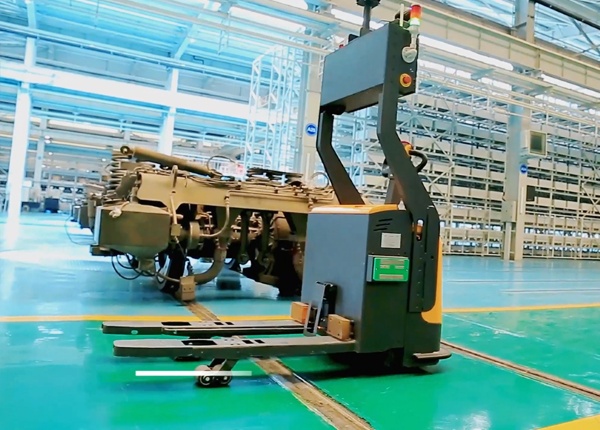
When several AGV forklifts operate across a warehouse, operators cannot rely on visual checks alone. A vehicle may remain unavailable, a workstation may stop accepting pallets, or a communication issue may prevent tasks from being completed as expected.
However, generating an alert for every minor event is not an effective solution. Too many notifications can cause operators to ignore important warnings. The goal is to distinguish normal operating events from conditions that require attention or intervention.
Start by grouping alerts according to their impact on warehouse operations. This creates a consistent basis for setting priorities and assigning responsibility.
| Alert level | Typical meaning | Response |
|---|---|---|
| Information | Normal status or completed operation. | Record or display for reference. |
| Warning | A condition may affect future task execution. | Monitor or arrange a planned response. |
| Major | A vehicle or process has lost operational availability. | Assign an owner and investigate promptly. |
| Critical | A safety-related or high-impact operational condition exists. | Follow the designated safety or emergency procedure. |
Exact severity definitions should be agreed during system design. A warning that is minor in one warehouse may be critical in another if it affects a bottleneck or a time-sensitive shipping process.
Focus on events that provide actionable information. Common monitoring categories include:
Vehicle unexpectedly offline.
Vehicle unavailable for a prolonged period.
Battery level reaches a configured operational threshold.
Vehicle reports a fault that prevents normal operation.
Transport task remains pending beyond an expected period.
Task execution exceeds its planned time window.
Pickup or placement confirmation is not received.
Repeated task cancellations occur for the same destination.
Communication between systems is interrupted.
A transfer station stops reporting readiness.
A required access point or equipment interface becomes unavailable.
Traffic restrictions prevent normal vehicle movement.
Only enable alerts that can be supported by the actual vehicle, software, and equipment configuration. The available alert types depend on the AGV system architecture and connected devices.
Thresholds should reflect the warehouse's normal operating pattern. A fixed warning time applied to every vehicle and task may create unnecessary notifications because travel distances, load handling times, and workstation processes differ.
Use historical operating data or a pilot period to establish suitable thresholds. Consider:
Typical travel time between common pickup and drop-off points.
Normal waiting time at each workstation.
Expected vehicle availability during different operating periods.
Battery requirements for the remaining scheduled workload.
Communication interruption patterns and recovery behavior.
For example, a task delay threshold should be based on the expected task cycle and the time at which an operator needs to take action. It should not be set so tightly that every normal variation generates an alert.
Illustrative threshold approach
If a routine transport task normally takes 8 minutes, a warning could be configured after a longer interval based on observed variation. A separate major alert may be triggered only when the delay reaches a point that requires intervention. The actual values must be determined from site data, not copied from another warehouse.
An alert without an assigned owner may remain visible on the dashboard without being resolved. Before go-live, define who receives each alert and who has authority to take action.
| Alert category | Typical responsible team |
|---|---|
| Vehicle fault | AGV maintenance or technical support. |
| Task or destination issue | Warehouse operations or system administrator. |
| Workstation unavailable | Equipment or workstation operator. |
| Network or system communication | IT or automation system support. |
| Safety-related event | Designated site safety and operational personnel. |
For each alert, define the primary owner, backup contact, response expectation, and escalation route. This is especially important for warehouses operating across multiple shifts or with remote technical support.
A single underlying issue can generate several related events. For example, a workstation failure may cause multiple transport tasks to wait, which in turn produces several task-delay notifications.
Without notification control, operators may receive many messages describing the same underlying problem.
Consider the following measures:
Group repeated notifications from the same source.
Use a defined notification interval for persistent conditions.
Display the related vehicle, task, and workstation identifiers.
Allow authorized personnel to acknowledge an alert.
Keep the original event history for later review.
Where supported, prioritize the underlying equipment or system condition instead of sending an independent high-priority message for every affected task.
Each important notification should lead to a defined action. A practical process has five stages:
Detection: The system identifies a condition that meets the configured threshold.
Notification: The relevant operator or support team receives the alert.
Assessment: The owner checks the vehicle, task, workstation, or system status.
Action: The owner follows the approved operating or maintenance procedure.
Closure: The condition is cleared, the task is recovered where appropriate, and the event is recorded.
Do not let notification acknowledgement automatically mean that the underlying issue has been resolved. Track acknowledgement and resolution as separate events where the software supports it.
Alert settings should be reviewed after the warehouse has accumulated real operating data. Some thresholds may be too sensitive, while others may not provide enough warning.
Review these indicators:
Number of alerts generated by category.
Percentage of alerts acknowledged within the expected period.
Average time from alert to resolution.
Number of repeated notifications for the same issue.
Alerts that did not require any action.
Operational interruptions that were not detected early enough.
Use the results to refine alert thresholds and ownership. A lower alert count is not necessarily better if important conditions are being missed. The objective is to provide timely, useful, and actionable information.
Classify alerts by operational and safety impact.
Select only alert types supported by the system.
Establish thresholds using actual warehouse operating data.
Assign primary and backup owners.
Define acknowledgement and escalation rules.
Control repeated and duplicate notifications.
Separate alert acknowledgement from issue resolution.
Review alert quality after real operations begin.
Key checkpoint
An effective alert system does not notify operators about everything. It identifies conditions that matter, sends them to the right people, and supports a defined response. Thresholds should be based on real warehouse conditions and reviewed as operating data becomes available.
AGV fleet monitoring should be considered during system planning, not added only after the warehouse starts operating. Vehicle status, task execution, workstation interfaces, network conditions, and support responsibilities all affect the usefulness of operational alerts.
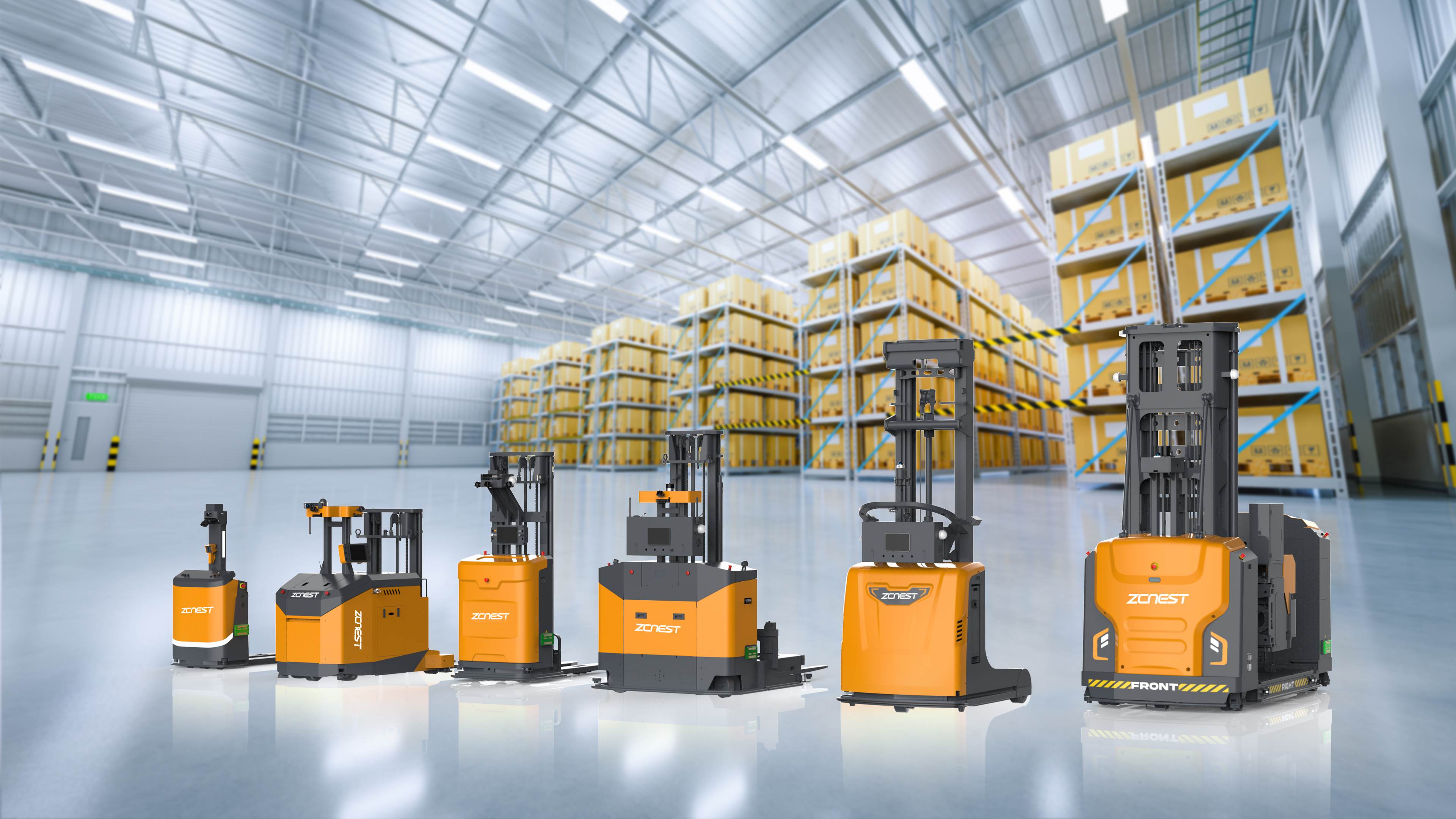
ZCNest Robotics provides AGV forklift and warehouse automation solutions for B2B applications. Share your operating requirements and system architecture to discuss fleet monitoring, control interfaces, and technical support arrangements.





 Chinese
 English