


WAREHOUSE DATA MANAGEMENT
Reliable automated transport depends on clear location definitions. Learn how to organize warehouse point IDs, physical positions, load rules, and exception handling before deploying AGV forklifts.
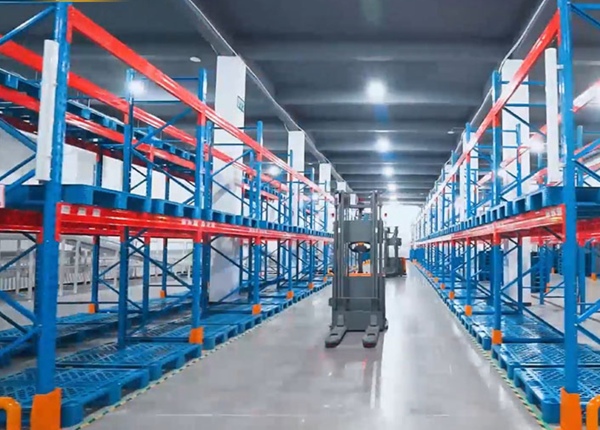
Warehouse automation projects often focus on the vehicle, navigation, and dispatch system. Yet a less visible issue can disrupt daily operation: warehouse locations are not defined consistently across physical signs, operating procedures, and software records.
One team may refer to a point as “inbound buffer,” another may call it “receiving lane 2,” and the warehouse system may store a different location code. Operators can interpret these names from context; an automated process needs an unambiguous mapping between the digital instruction and the physical handover position.
Give each operational location a unique ID that remains stable even if its descriptive name changes. The ID should identify one physical position or one clearly defined operating zone.
For example, a location record may include an ID such as INB-BUF-01, a description such as “Inbound buffer position 1,” a location type, and a reference to the warehouse map. The exact naming convention is less important than consistency and uniqueness.
Use unique IDs that are not reused for different positions.
Keep the same ID across the location master, task instructions, and operating documentation.
Distinguish a precise pallet position from a general staging area.
Document inactive, blocked, temporary, and restricted locations.
A location name does not specify exactly where the AGV forklift should stop. Each pickup and drop-off point needs a defined physical position and an agreed handling orientation.
For pallet handling, document the approach direction, fork-entry direction, expected pallet orientation, and the position at which a load is considered correctly deposited. Where the same zone supports different pallet types, identify the allowed variations and how they will be verified.
Pay particular attention to handover points near rack ends, conveyor interfaces, doors, and shared pedestrian routes. The usable stopping area may be smaller than the apparent open floor area. Physical validation is necessary before the point is treated as ready for automatic operation.
A structured location table helps warehouse operations, software teams, and equipment suppliers work from the same reference. A practical record can include the following fields.
| Field | Purpose |
|---|---|
| Location ID | Unique reference used by people and systems. |
| Location type | Receiving, buffer, rack position, dispatch, or other function. |
| Physical reference | Map coordinate, marked position, or approved site reference. |
| Load restrictions | Allowed pallet dimensions, load weight, or handling limits. |
| Access status | Available, blocked, restricted, or temporarily unavailable. |
| Handover rule | Required orientation, confirmation, or downstream condition. |
Not every field needs to be stored in one software table. The key requirement is that the responsible systems can reference the correct information without ambiguity.
Confirm which system owns each data item. The WMS may manage inventory and storage assignments, while a fleet control system may manage vehicle tasks and movement execution. The exact division depends on the project architecture.
Document how a task identifies its source and destination, how the system confirms a successful pickup or drop-off, and what happens when the requested location is unavailable. Also clarify whether location IDs are passed directly between systems or translated through a mapping table.
Before go-live, test the full transaction rather than only the communication connection. A task can be transmitted successfully while still referring to an invalid or incorrectly mapped physical location.
Warehouse layouts change during maintenance, inventory peaks, and seasonal operations. Without governance, temporary locations can become permanent unofficial workarounds.
Define who can create, modify, block, and reactivate a location.
Require approval before a location is moved or repurposed.
Provide an explicit process for blocked destinations and full staging areas.
Keep temporary location records identifiable and subject to review.
Retest affected routes and handover positions after physical changes.
IDENTITY — Every location has one unique ID.
POSITION — The physical handover point is clearly defined.
COMPATIBILITY — Load and access restrictions are documented.
INTERFACE — Source and destination IDs are mapped consistently.
EXCEPTIONS — Blocked or unavailable locations have defined handling rules.
Walk the warehouse with operations and technical teams. Select representative pickup, drop-off, rack, and staging locations, then verify that each digital ID points to the correct physical position. Test load placement, approach access, and the system's response when a point is occupied or blocked.
Record unresolved issues and assign an owner to each one. A signed-off location list reduces confusion during commissioning and provides a controlled baseline for later warehouse changes.
An AGV task should identify not just a warehouse zone, but the approved physical handover point and its handling conditions. Consistent location data helps prevent avoidable task failures and makes system behavior easier to troubleshoot.
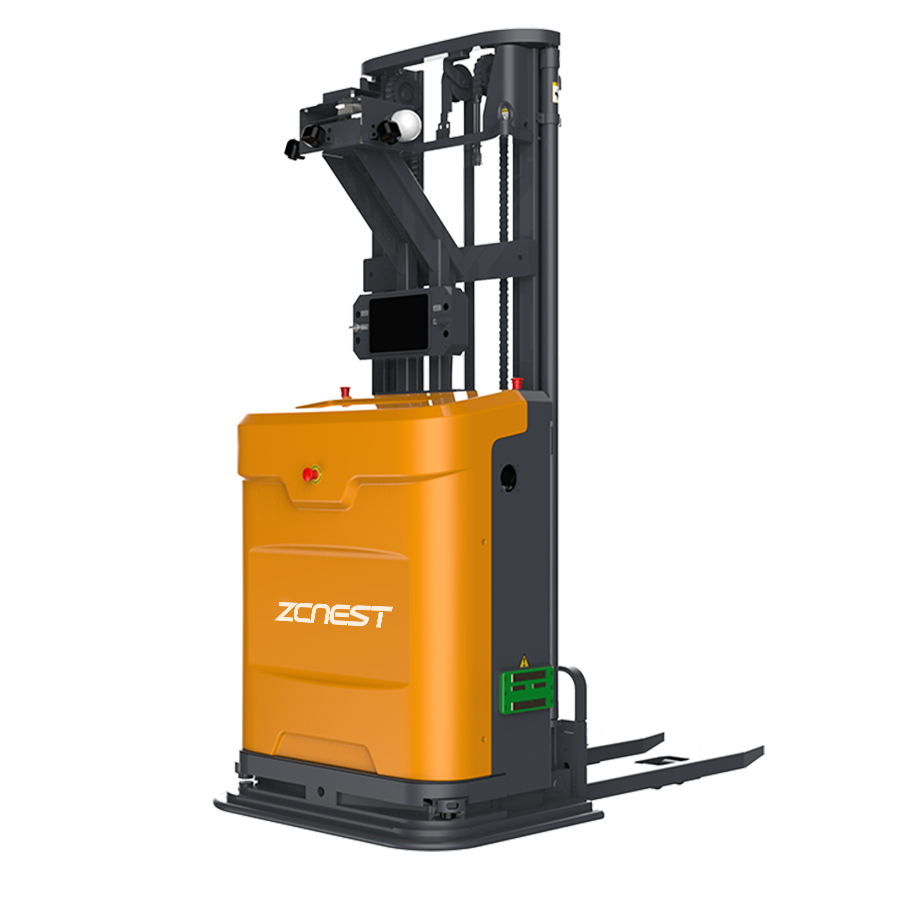
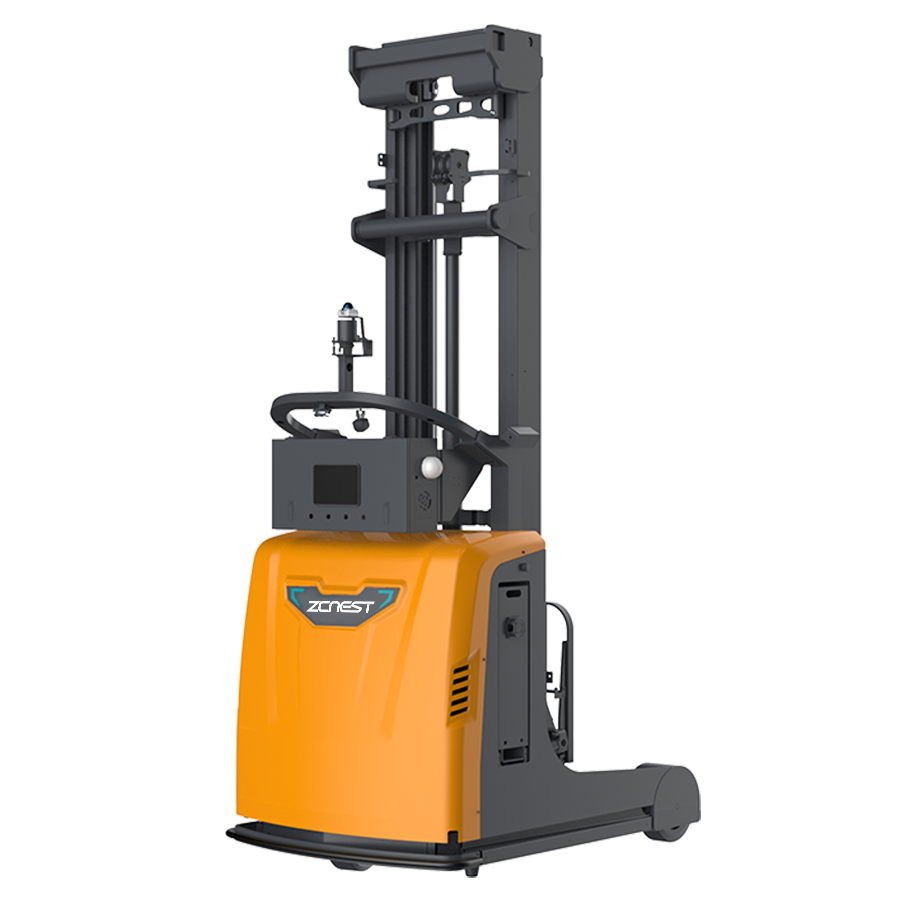
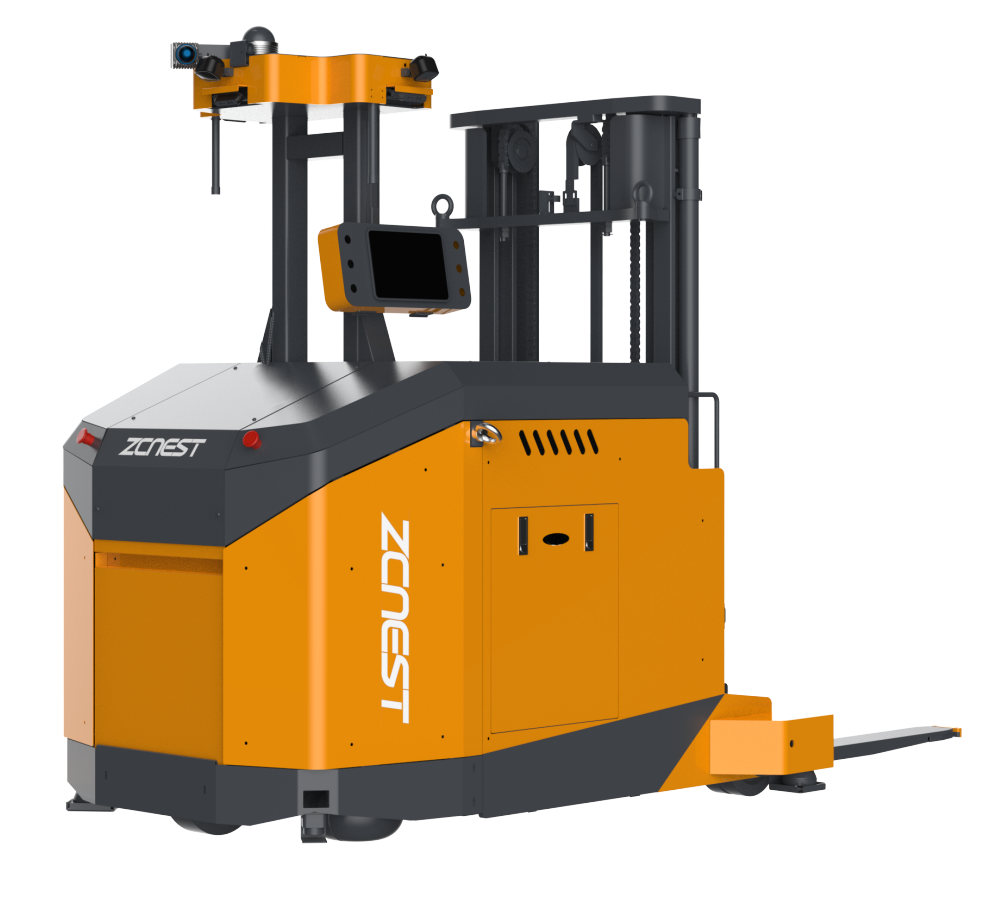
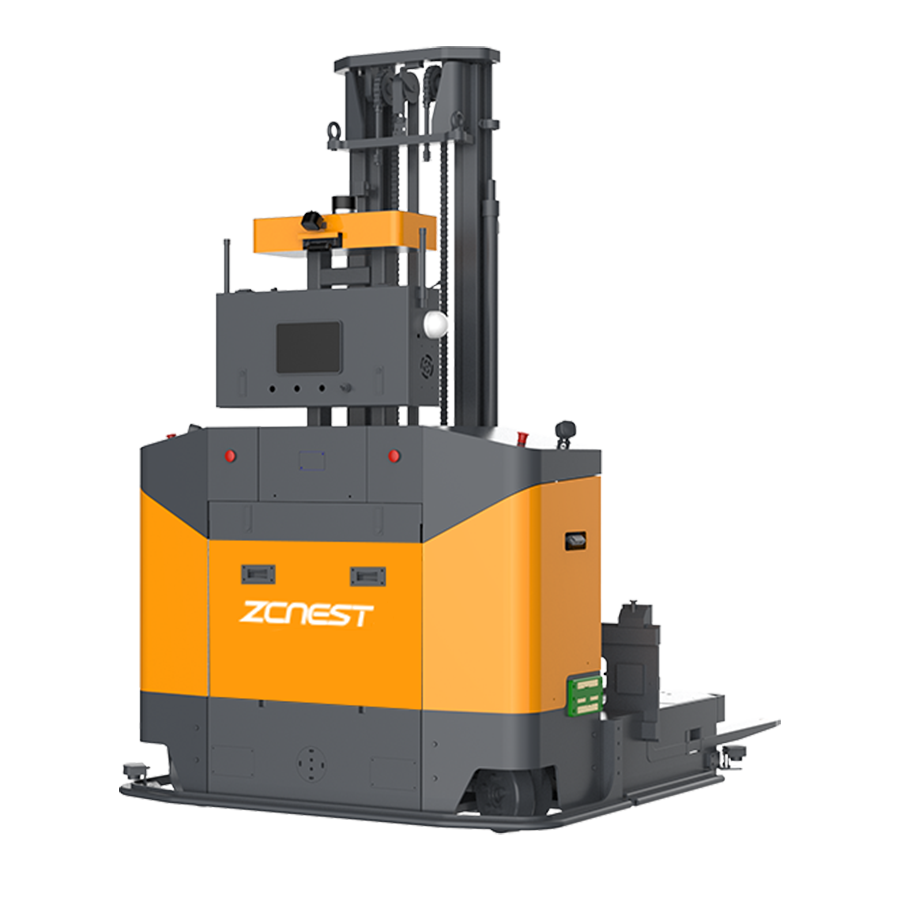
ZCNest can help evaluate pickup and drop-off workflows, warehouse location structures, and the interfaces required for AGV forklift projects. Share your current process and layout to identify the information needed for a practical technical proposal.
📖 AGV Forklift Guide — Essential manual for selection and safety.
⚙️ How AGV Systems Work — A deep dive into navigation and logic.
⚖️ AGV vs. AMR Comparison — Choosing the right technology for your facility.
💰 AGV Cost and ROI — Evaluating investment and payback periods.





 Chinese
 English