


WAREHOUSE EXCEPTION MANAGEMENT
Missing pallets, blocked destinations, communication failures, and unexpected obstacles need defined recovery procedures. Learn how to plan exception handling without creating inventory errors or unnecessary operational risk.
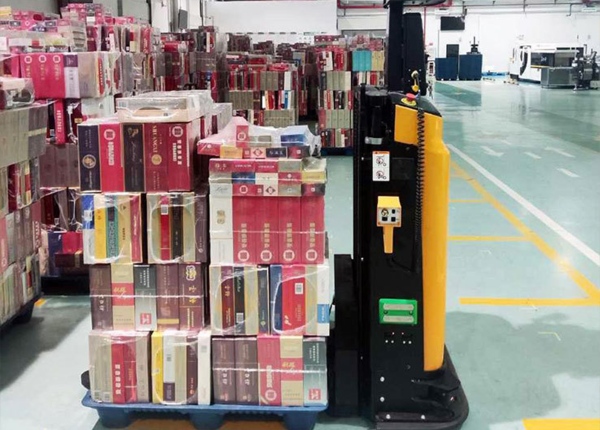
Automated warehouse operations depend on predictable task execution, but real facilities contain exceptions. A pallet may not be at the expected pickup point, a destination may be occupied, a route may be temporarily blocked, or a system response may arrive later than expected.
These events do not always indicate equipment failure. They do, however, require clear rules for deciding whether a task should wait, retry, be reassigned, or receive human intervention. Without those rules, a minor interruption can turn into an inventory discrepancy, a blocked aisle, or a chain of delayed tasks.
Group exceptions by their cause and operational impact. This helps the system and warehouse team choose a consistent response instead of treating every failed task as the same problem.
Load unavailable: The expected pallet is missing or not ready for pickup.
Destination unavailable: The intended storage or handover position is occupied or blocked.
Route unavailable: An obstacle or restricted area prevents safe passage.
Identification mismatch: The physical pallet or location does not match the task record.
Communication or system fault: A required response or task update cannot be confirmed.
Vehicle fault: The vehicle cannot continue the assigned operation.
Define which conditions can be resolved automatically and which require an operator or technician. Safety-related events must follow the vehicle's safety design and site procedures rather than being overridden by a routine task retry.
A limited retry may be appropriate for a temporary condition, but repeated retries can waste time and increase congestion when the underlying problem remains unresolved.
For each exception type, specify whether a retry is permitted, how many attempts are allowed, and what condition must be checked before the next attempt. If the pallet is missing or the destination remains occupied, the system may need to hold the task or request a new decision instead of repeating the same action.
Set a clear escalation point. When the retry limit is reached, the task should move into a recognizable exception state with enough information for the responsible person to investigate it.
A failed physical transfer must not automatically be recorded as a completed warehouse movement. The system should distinguish between a task that was assigned, a task that started, a load that was picked up, a load that was deposited, and a transfer that was confirmed.
When the actual result is uncertain, preserve the task status and send the discrepancy for review. The recovery process should establish where the pallet is physically located before the inventory record is corrected or the task is restarted.
Agree on which system owns the final inventory update. If the WMS and fleet control system report different outcomes, define how the discrepancy is detected, which record is authoritative, and who can approve the correction.
Warehouse operators, supervisors, maintenance staff, and IT teams may handle different exception categories. Make the responsibility explicit so that an unresolved task does not remain in the queue without an owner.
Document the information each role needs, including task ID, vehicle status, expected load, pickup and destination points, fault description, and the time the exception occurred.
Where physical intervention is required, use the approved site procedure to place equipment in a safe state and control access. Do not instruct staff to move a load or enter a vehicle's operating area while automated movement remains possible.
A temporary obstruction can affect more than one vehicle if the blocked segment is part of a shared route. Define how the fleet control system handles unavailable routes, alternative paths, and tasks waiting for access to return.
Alternative routes should be validated for the vehicle, load, and site conditions. A path that appears available on a map may not be appropriate for a particular load or may pass through a restricted area.
For occupied destinations, define whether the task should wait, move to an approved buffer, or be reassigned. Do not allow an automated vehicle to choose an unapproved storage position simply because the original destination is unavailable.
Include exception scenarios in commissioning and acceptance testing. Test a missing pickup load, an occupied destination, a blocked route, an invalid task, and a communication interruption where relevant to the proposed system.
For each test, verify the vehicle's behavior, the task status, the alarm or notification, and the recovery procedure. Confirm that a task is not falsely marked complete and that the warehouse team can identify the required next action.
DETECT — Identify the exception and affected task.
CONTAIN — Prevent unsafe movement and avoid further congestion.
RECORD — Preserve the actual task and load status.
ASSIGN — Route the issue to the responsible role.
RECOVER — Resume, reassign, or close the task only after validation.
Review exception frequency by type, location, shift, and operating condition. A recurring blocked destination may indicate a staging problem, while repeated identification errors may point to inconsistent labeling or master data.
Track time to resolution as well as the number of incidents. Prioritize recurring issues that affect safety, inventory accuracy, or critical warehouse flows. Use the findings to update operating procedures, system rules, and staff training.
Reliable exception handling defines what the system should do when normal task execution fails. Clear recovery rules protect inventory accuracy, reduce unnecessary retries, and help warehouse teams restore operations in a controlled way.
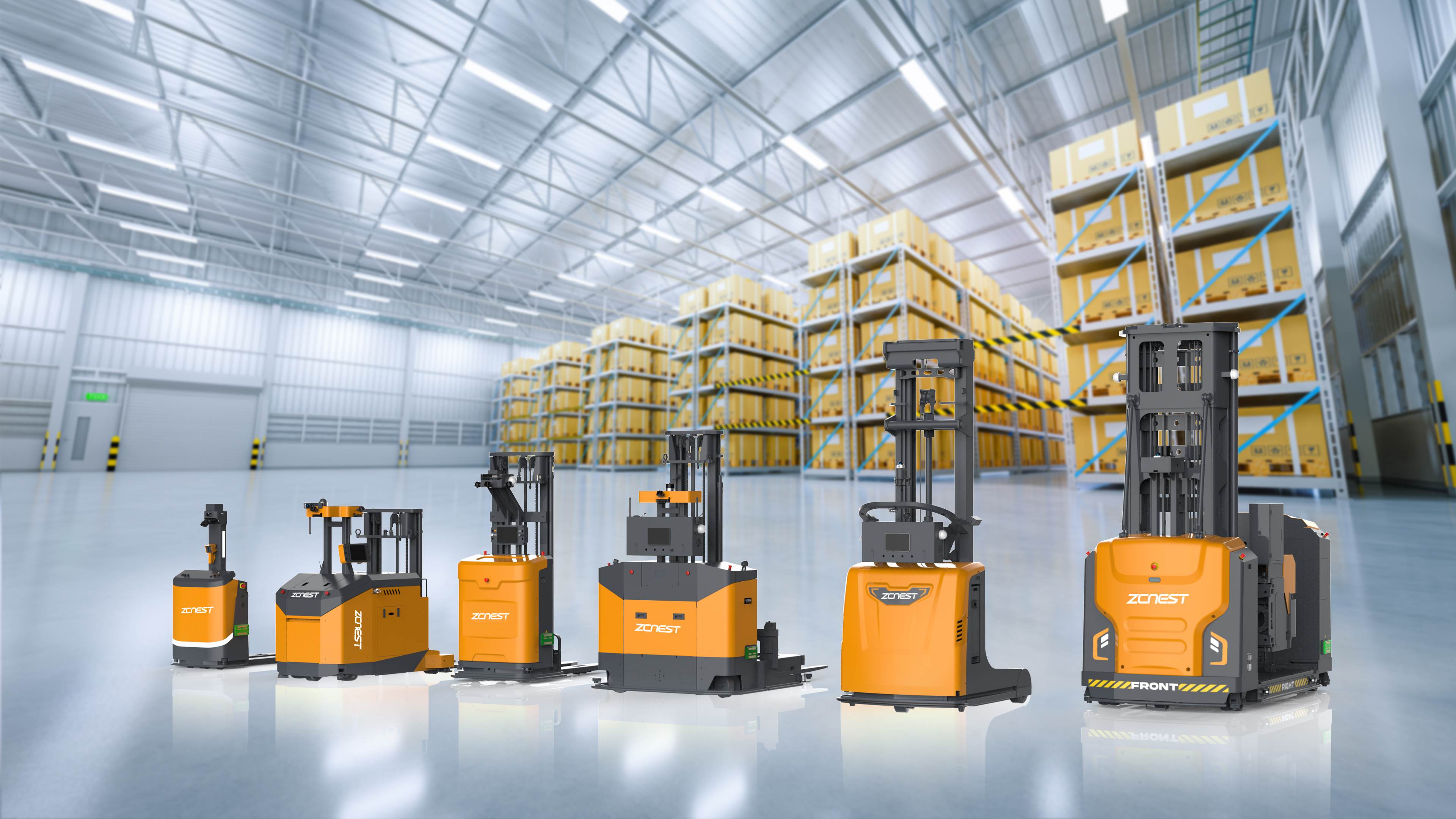
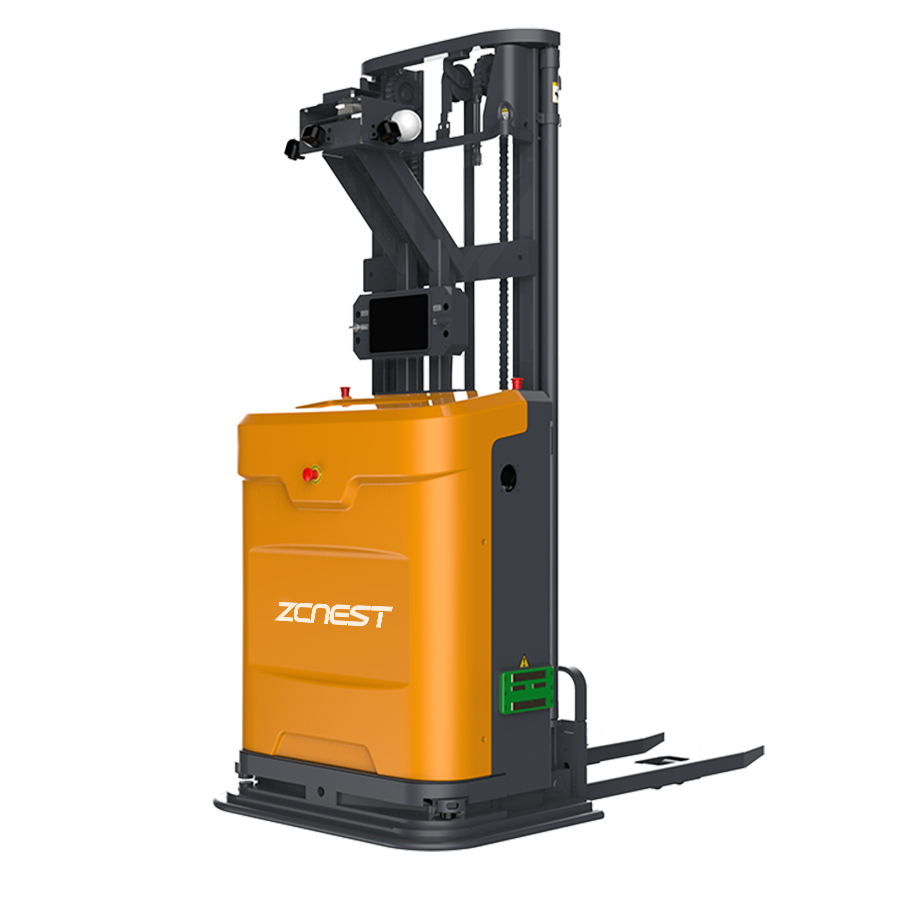
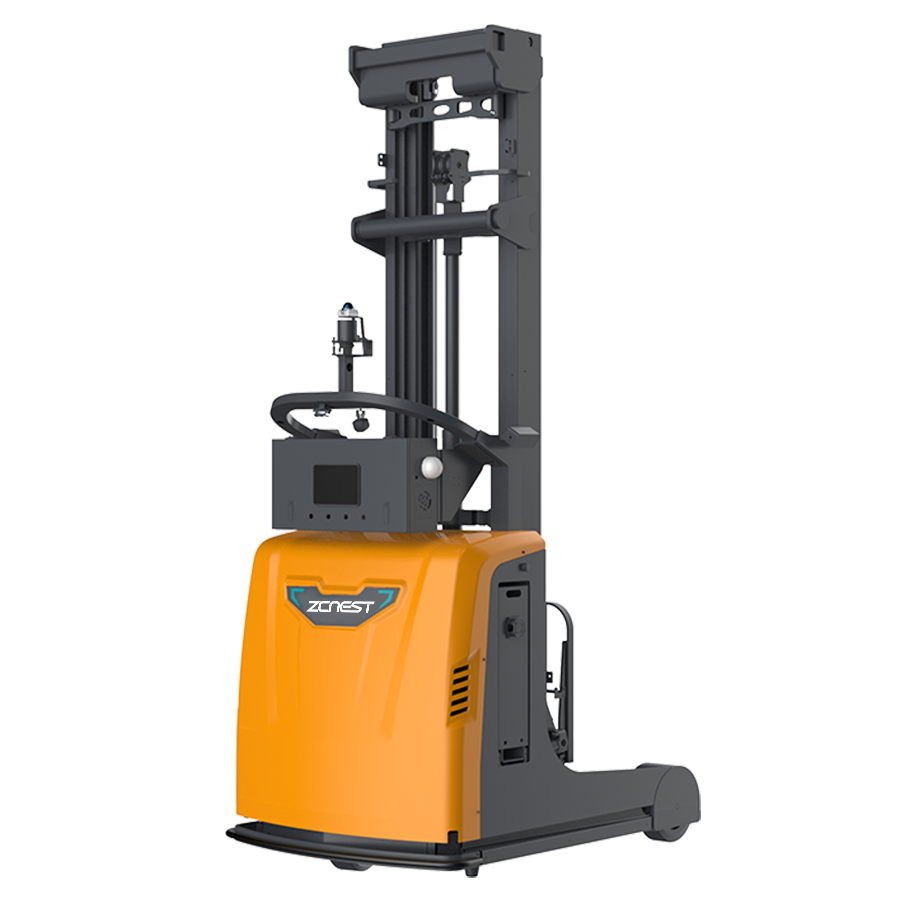
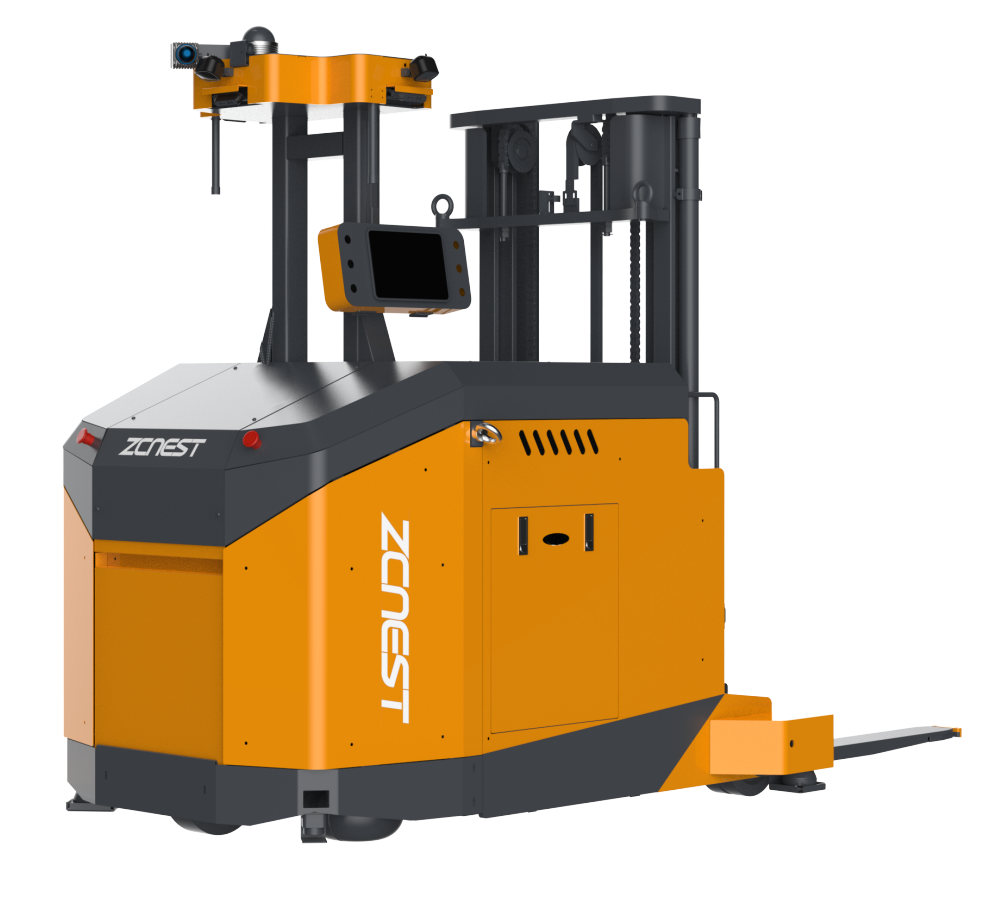
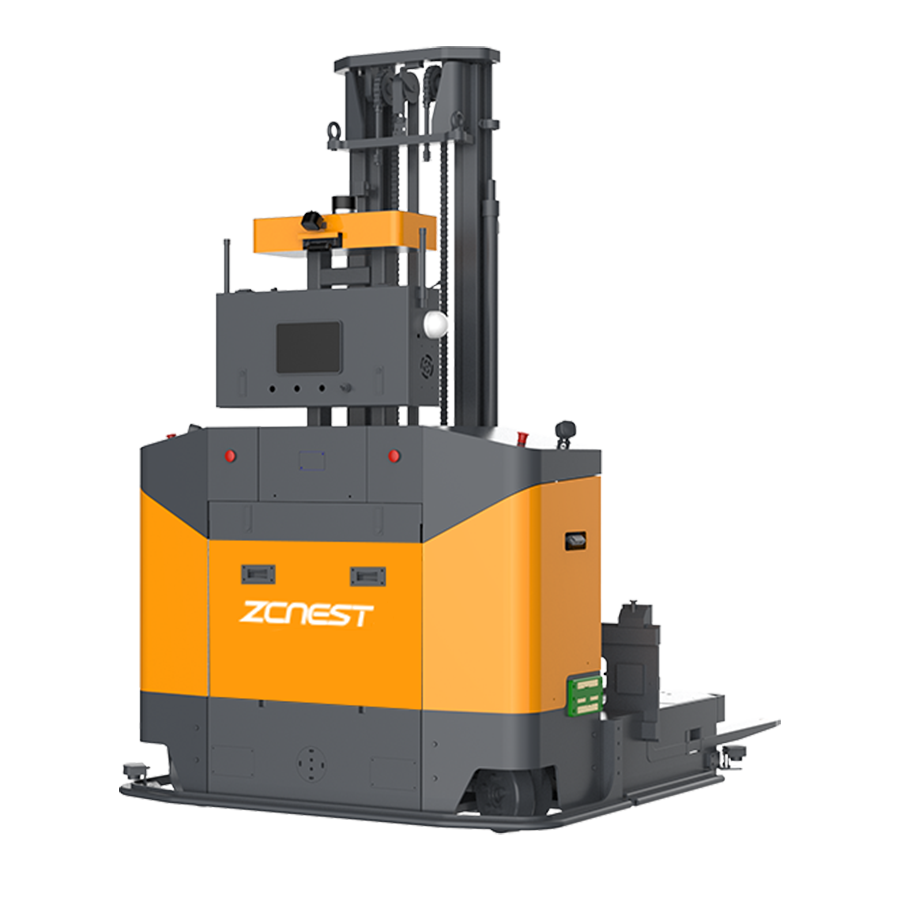
ZCNEST can discuss task flows, warehouse interfaces, and recovery requirements for AGV forklift applications. Share the main exception scenarios in your operation to help define the technical and workflow questions for project evaluation.
📖 AGV Forklift Guide — Essential manual for selection and safety.
⚙️ How AGV Systems Work — A deep dive into navigation and logic.
⚖️ AGV vs. AMR Comparison — Choosing the right technology for your facility.
💰 AGV Cost and ROI — Evaluating investment and payback periods.





 Chinese
 English